

Social Media Crawler Engine Overview
The Social Media Crawler Engine extracts profile information and content from various social media platforms.Engine Inputs
The Social Media Crawler Engine Configuration has the following parameters:- profile_url: required. URL or handle of the social media profile to scrape.
- platform: optional. The social media platform to scrape (default:
LinkedIn). Options:InstagramXTikTokFacebookPinterestYoutubeYelpTrustPilotLinkedIn
- max_posts: optional. Maximum number of posts to retrieve (default: 5, range: 1-100).
Engine Output
The output will be a JSON value containing structured information from the social media profile. The specific data returned varies by platform and may include:- Profile name and headline/bio
- Profile description
- Posts and content
- Follower/subscriber counts
- Platform-specific profile information
The availability of data depends on the platform’s privacy settings and terms of service. Some profiles may have limited information available for scraping.
Example Configuration
1
Create an Agent
Click on the “Add Agent” button in the top right corner of the Agents page.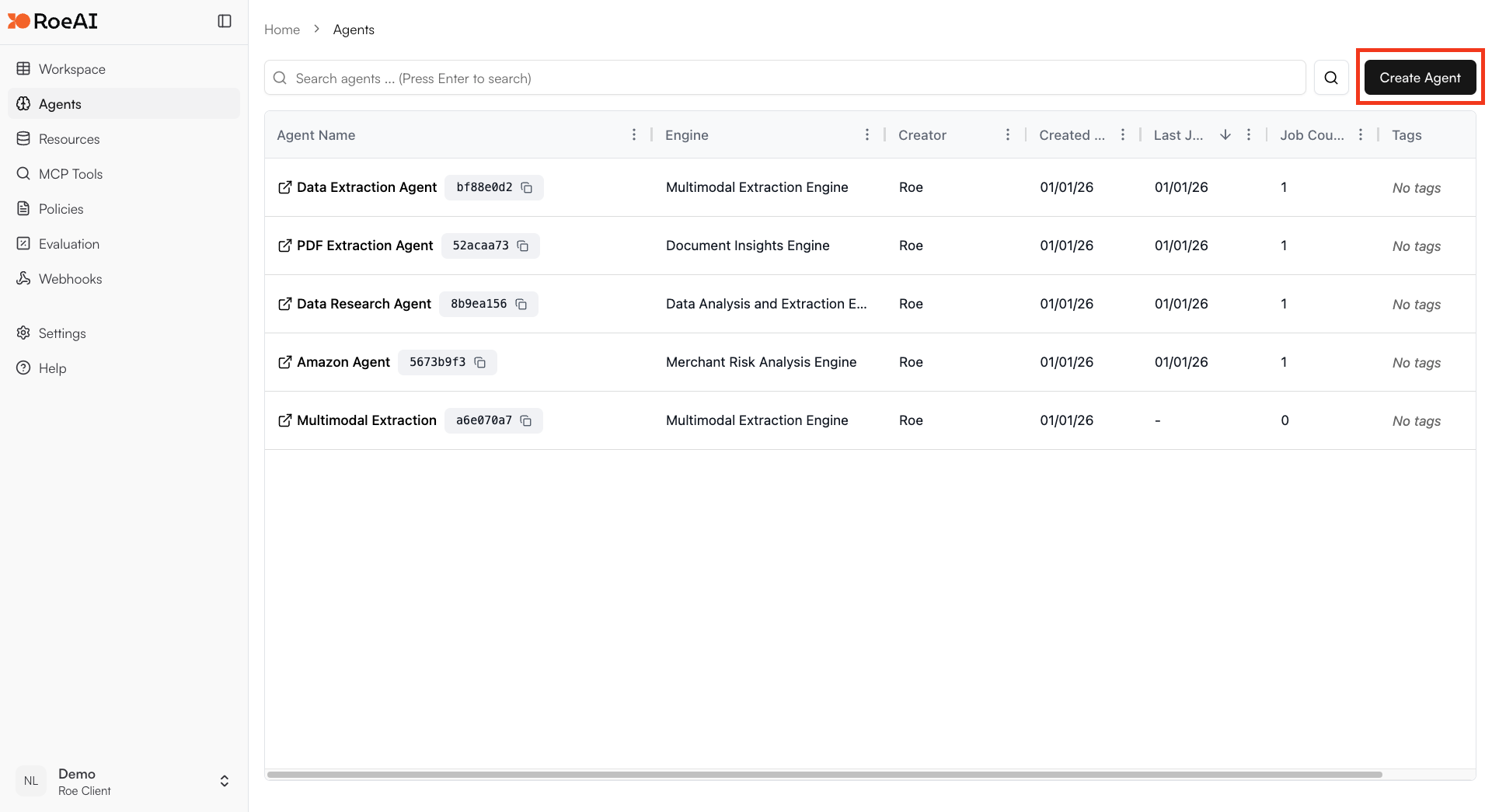
2
Select the Social Media Crawler Engine
3
Configure the engine
$ starts a template string
- profile_url: $profile_url
- platform: LinkedIn
- max_posts: 5
4
Create the Agent
Hit the Create button.
5
Run a job
Create a new job and provide a social media profile URL to scrape. The engine will return structured profile data.