

Interactive Web Insights Engine Overview
The Interactive Web Insights Engine enables AI-powered interactive web browsing. Unlike static web scraping, this engine can navigate dynamic websites, interact with page elements, and extract information from JavaScript-rendered content.Engine Inputs
The Interactive Web Insights Engine Configuration has the following parameters:- url: required. The URL to navigate to and interact with.
- action: required. Instructions describing what actions to perform on the page and what information to extract.
- output_schema: required. JSON schema defining the structure of data to extract. Follows the standard JSON schema specification.
Engine Output
The output will be a JSON value matching the structure specified in the output_schema. The output may also include aroe_references field containing screenshot references captured during browsing.
Example Usage
1
Create an Agent
Click on the “Add Agent” button in the top right corner of the Agents page.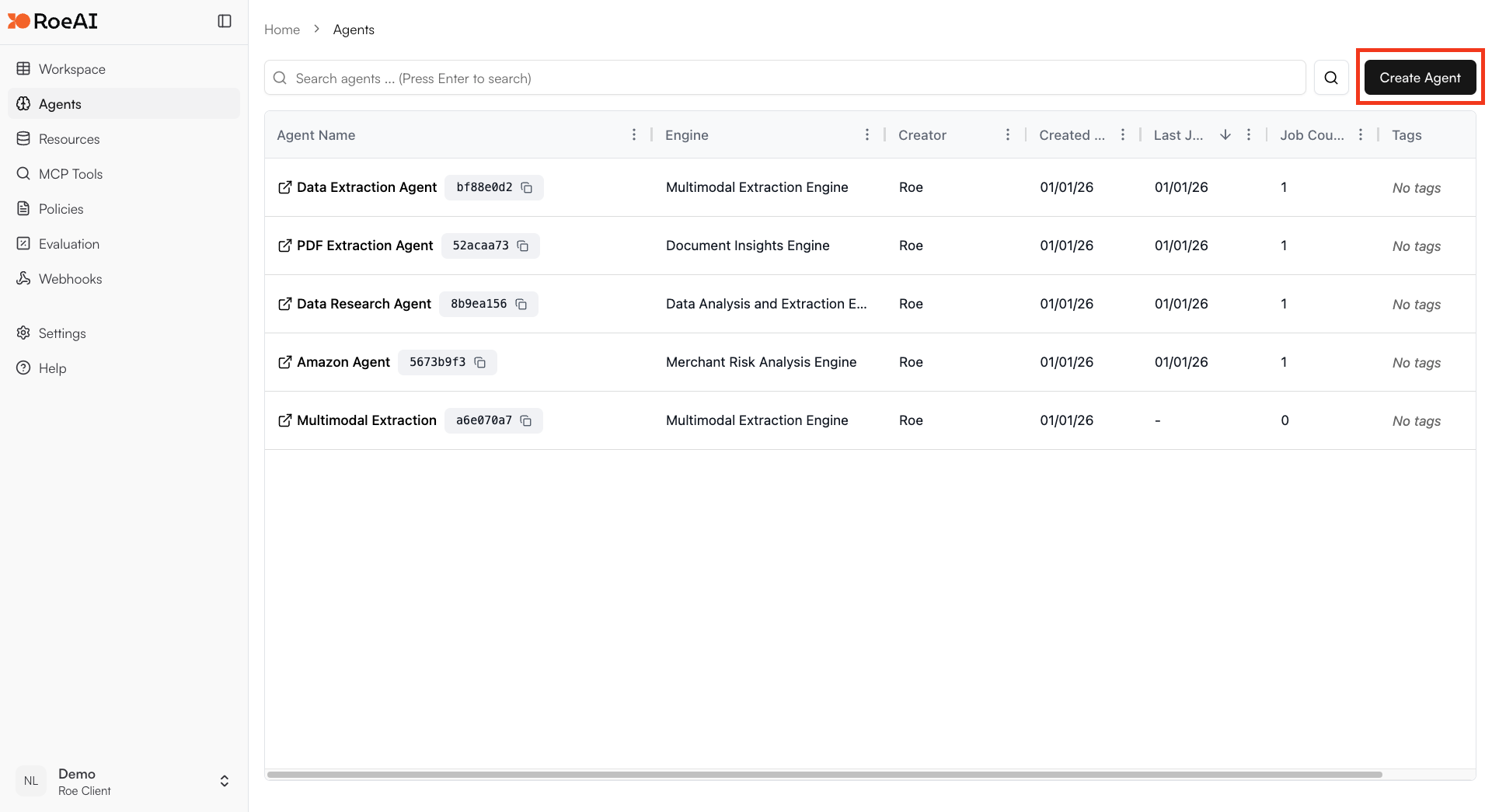
2
Select the Interactive Web Insights Engine
3
Configure the engine
$ starts a template string
- url: $url
- action: $action
- output_schema: Copy and paste the JSON schema below:
4
Create the Agent
Hit the Create button.
5
Run a job
Create a new job and provide:
- url: A webpage URL to interact with
- action: Instructions like “Extract the main sections and key information from this webpage”
Use Cases
- Dynamic content extraction: Extract data from pages that require JavaScript execution
- Form interaction: Navigate through multi-step forms or wizards
- Authenticated scraping: Access content behind login pages
- Single-page applications: Extract data from React, Vue, or Angular applications
- Interactive data gathering: Click through pagination, expand sections, or trigger data loads