> ## Documentation Index
> Fetch the complete documentation index at: https://docs.roe-ai.com/llms.txt
> Use this file to discover all available pages before exploring further.
# Introduction
> Manage your files on Roe
Roe has an in-house data management system that allows you to manage your
files directly on Roe.
## Datasets
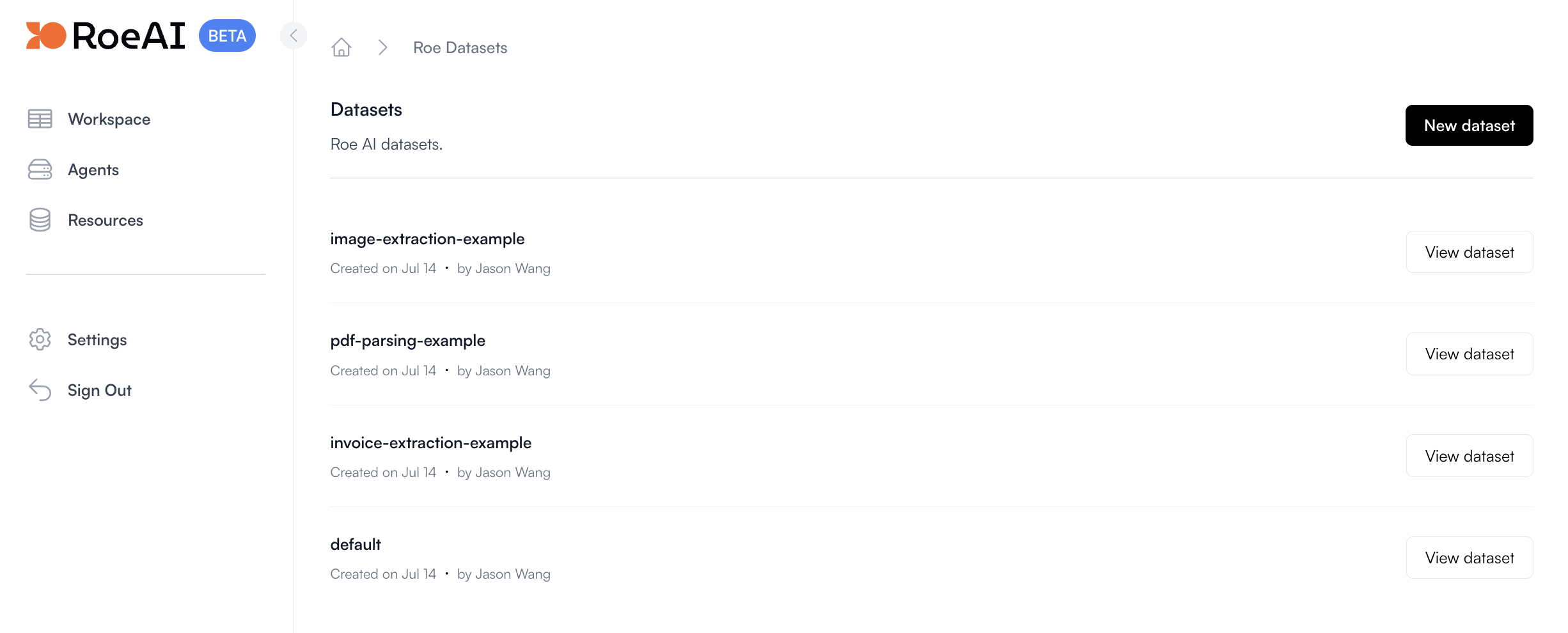
Think of a dataset as a collection of files like a directory. You can create a
dataset to store your files and manage them easily.
 ## Files
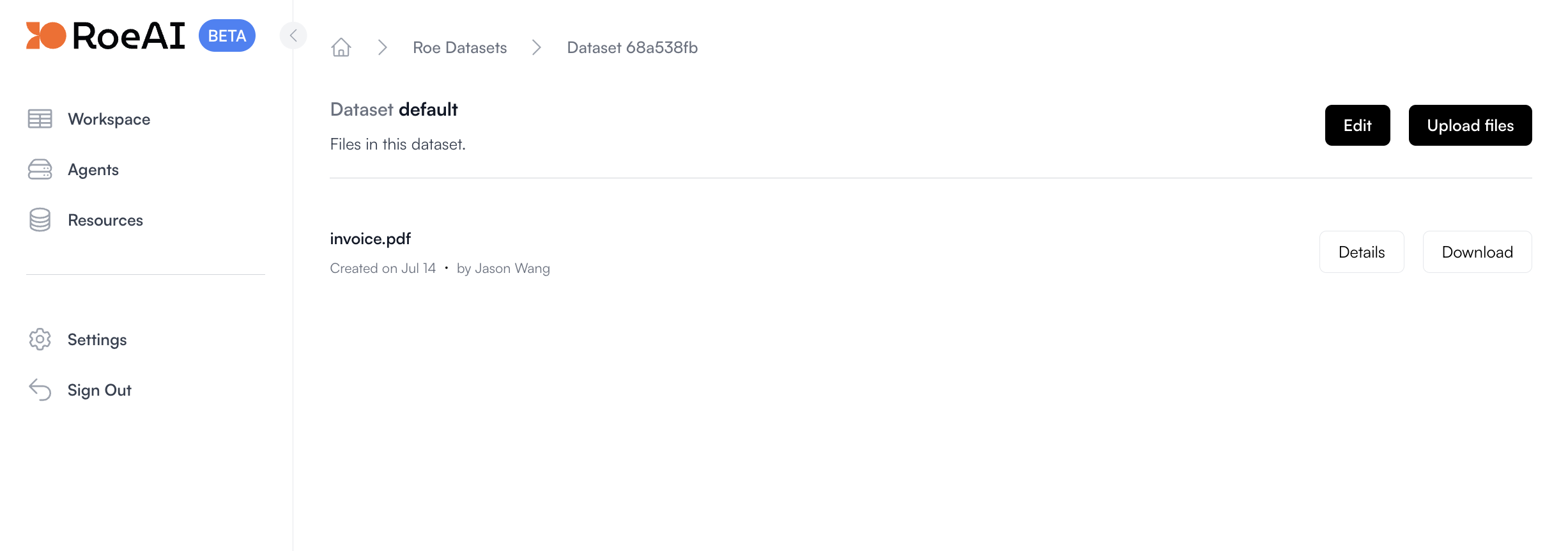
Files are the individual data points in a dataset. You can upload, download, and
delete files in a dataset. [APIs](/api-reference/roe-dataset/file-upload) are
available to interact with files in a dataset.
## Files
Files are the individual data points in a dataset. You can upload, download, and
delete files in a dataset. [APIs](/api-reference/roe-dataset/file-upload) are
available to interact with files in a dataset.