> ## Documentation Index
> Fetch the complete documentation index at: https://docs.roe-ai.com/llms.txt
> Use this file to discover all available pages before exploring further.
# Social Media Crawler
> Scrapes profile information and content from social media platforms.
## Social Media Crawler Engine Overview
The Social Media Crawler Engine extracts profile information and content from various social media platforms.
## Engine Inputs
The Social Media Crawler Engine Configuration has the following parameters:
* **profile\_url**: *required.* URL or handle of the social media profile to scrape.
* **platform**: *optional.* The social media platform to scrape (default: `LinkedIn`). Options:
* `Instagram`
* `X`
* `TikTok`
* `Facebook`
* `Pinterest`
* `Youtube`
* `Yelp`
* `TrustPilot`
* `LinkedIn`
* **max\_posts**: *optional.* Maximum number of posts to retrieve (default: 5, range: 1-100).
See [Template Strings](/agents/input-definition#template-strings) for dynamic parameter configuration.
## Engine Output
The output will be a JSON value containing structured information from the social media profile. The specific data returned varies by platform and may include:
* Profile name and headline/bio
* Profile description
* Posts and content
* Follower/subscriber counts
* Platform-specific profile information
The availability of data depends on the platform's privacy settings and terms of service. Some profiles may have limited information available for scraping.
## Example Configuration
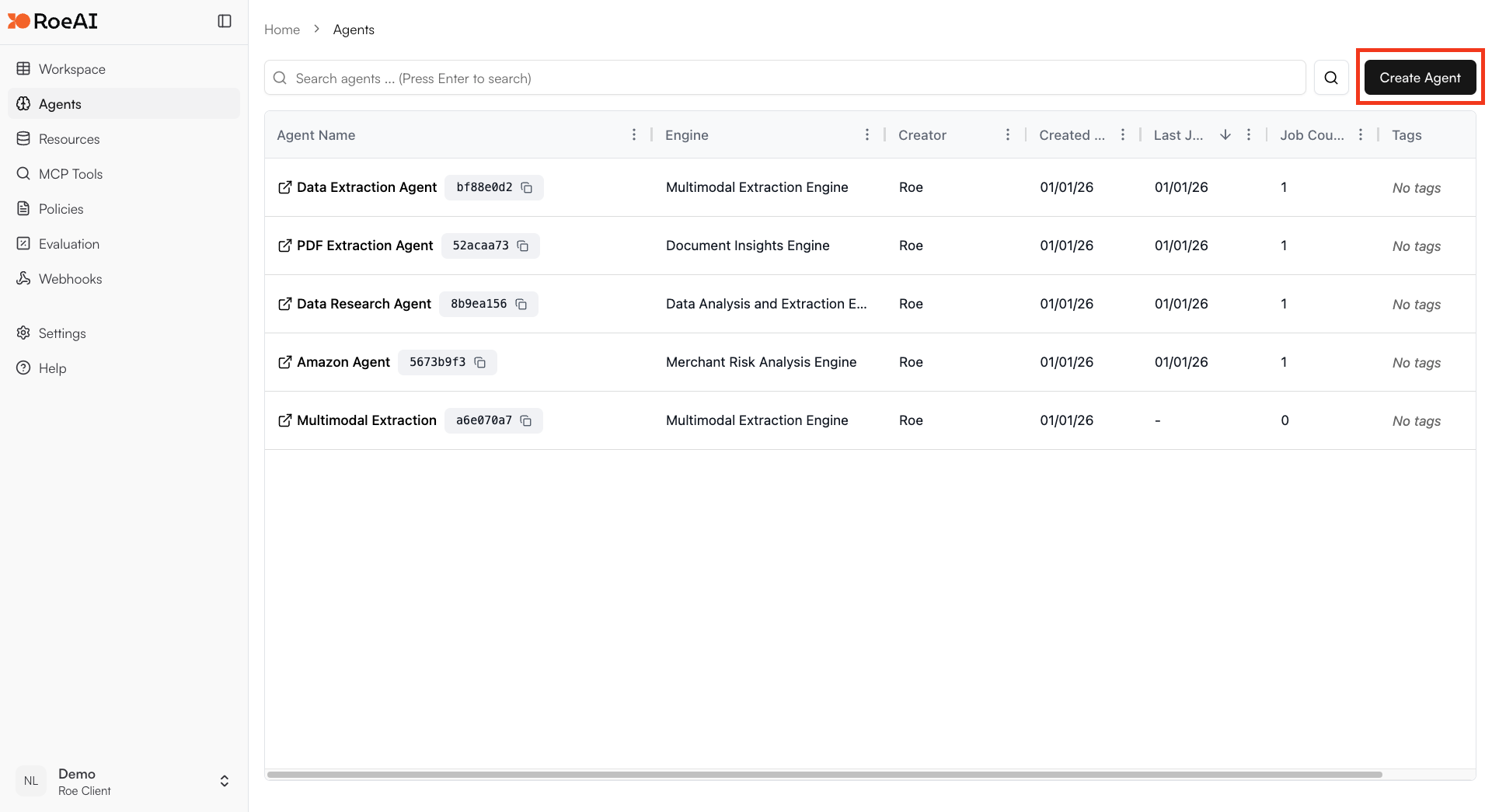
Click on the "Add Agent" button in the top right corner of the Agents page.
 Enter a name and an optional description of your Agent.
\$ starts a template string
* **profile\_url**: \$profile\_url
* **platform**: LinkedIn
* **max\_posts**: 5
Hit the **Create** button.
Create a new job and provide a social media profile URL to scrape. The engine will return structured profile data.
Enter a name and an optional description of your Agent.
\$ starts a template string
* **profile\_url**: \$profile\_url
* **platform**: LinkedIn
* **max\_posts**: 5
Hit the **Create** button.
Create a new job and provide a social media profile URL to scrape. The engine will return structured profile data.